
Electrical test and tag software for records and retests
Clevermode helps Australian teams record appliance tests, print QR tags, organise retests and produce branded PDF reports. Use the optional Flowody integration in Clevermode Reports to link completed reports to your customer jobs.
From appliance test records to the next retest
Shared retest checklists
Import a previous PDF report and work through its tags as a checklist. Your team can follow retest progress on the same account.
Asset & appliance history
Every appliance gets a full test history. Scan the QR code on a tag and the last test, location and result appear instantly.
AS/NZS 3760 reports
Generate compliant PDF test reports with retest dates, RCD trip times and your branding — ready for client audits.
Flowody job connection
Connect Clevermode Reports to Flowody to choose a job, fill customer and site details, and attach the completed report files.
Searchable locations
Find test records by tag, site, building or room. Use location details to organise appliance records for the next visit.
Staff & multi-user
Add technicians to your account with multi-user support. Everyone works from the same live data on their own device.
CSV records
Export test data as a CSV spreadsheet for Excel, an asset register or import into Clevermode Reports.
Instant tag printing
Print regular, small, RCD and new-to-service tags in seconds — ribbon-free, with your logo and a scannable QR code.
Works with any tester
Pairs with the KEW6205 PRO for automatic results, or record results manually with any other appliance tester.
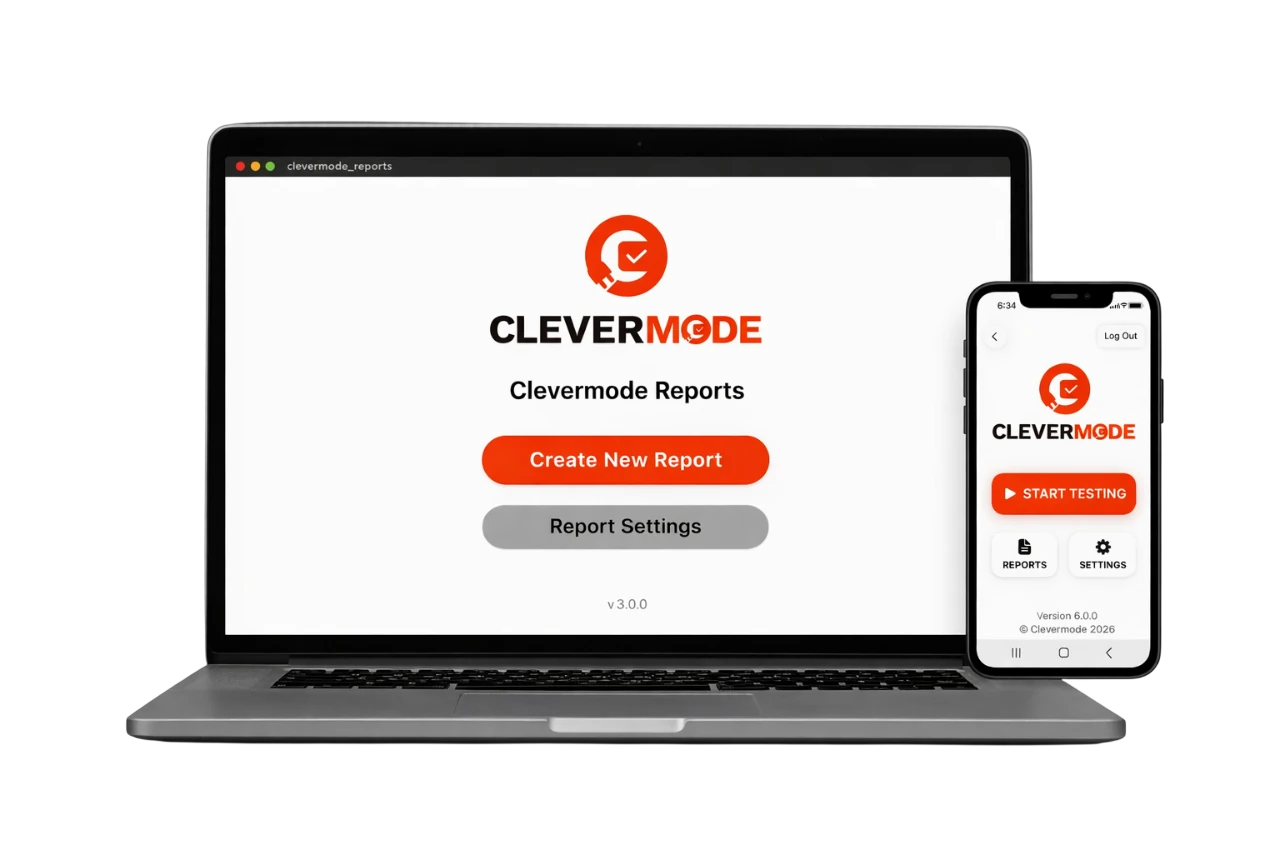
Test and tag reporting software your clients will notice
Reports are how your work gets judged. Clevermode Reports turns raw test data into clean, branded PDF documents in seconds — free with your subscription, on Windows and Mac.
- ✓Client-ready PDF reports with your logo.
- ✓AS/NZS 3760 details included automatically.
- ✓CSV export for asset registers and Excel.
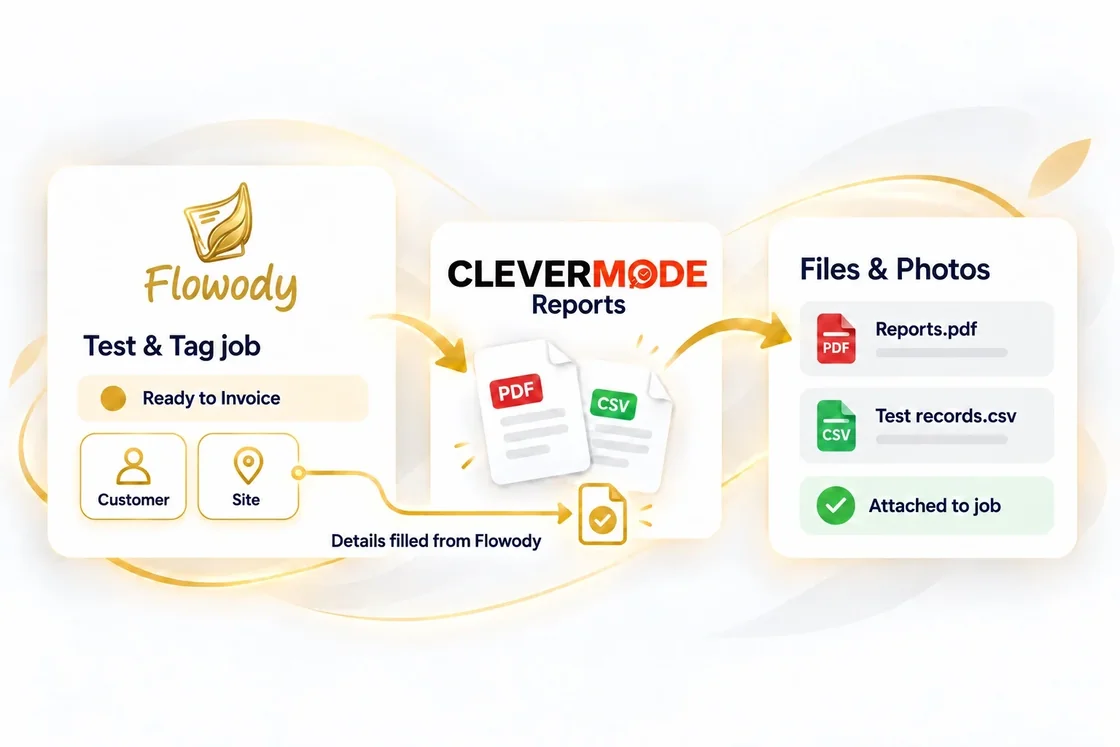
Connect completed reports to your customer jobs
If your business uses Flowody, connect it in Clevermode Reports. Choose a job that is ready to invoice to bring in its customer and site details, then attach your PDFs and test-record CSV to the job.
- ✓Customer and site details fill in from the selected Flowody job.
- ✓Completed reports return to the job's Files & Photos.
- ✓Assign an invoicing task to your office team in Flowody.
Flowody is optional. You can create PDF reports from Clevermode records or CSV files without connecting it.
Explore Clevermode ReportsTest and tag software FAQs
More questions? See the full FAQ or call 1300 303 759.
What does Clevermode test and tag software do?
Do I need special hardware to use the software?
Can I export my test results?
Is my data backed up?
How many team members can use one account?
Explore Clevermode
See the software on a real job
Book a 15-minute demo of testing, tag printing, retest checklists and PDF reporting with Clevermode.